Features
SEO
Setup
- Open
config.jsfile and add values forappName,appDescription, anddomainName. These values will be used as default SEO tags.
The helper/libs/seo.jsadds all the important SEO tags (with your default values) to all pages thanks to the main/app/layout.jsfile. - To add custom SEO tags to a page without rewritting all the tags, do this:/app/terms/page.js
1
2import { getSEOTags } from "@/libs/seo";
3...
4
5export const metadata = getSEOTags({
6 title: "Terms and Conditions | WeeShip",
7 canonicalUrlRelative: "/tos",
8});
9
10export default async function TermsAndConditions() {
11...
12
I recommend settingtitleandcanonicalUrlRelativefor each pages. - When relevant, add Structured Data to a page using the
renderSchemaTags()function in/libs/seo.js. It helps Google understand better your website and can get you a rich snippet. Open the component for more documentation. Here's an example:/app/page.js1import { renderSchemaTags } from "@/libs/seo"; 2 3export default function Page() { 4 return ( 5 <> 6 {renderSchemaTags()} 7 8 <main className="flex min-h-screen flex-col items-center justify-center text-center gap-12 p-8"> 9 <h1 className="text-3xl font-extrabold">Ship Fast</h1> 10 11... 12 13 </main> 14 </> 15 ); 16} - Add your root URL to siteUrl (i.e. https://yourdomain.com) in the
next-sitemap.config.jsfile, in the root folder. It will generate a sitemap.xml & robots.txt file for all your pages (at build time).
Claim your domain ownership on Google Search Console to help indexing
Make a Blog in minutes
In the /app/blog/_assets folder, you have a content.js file that contains all your blog posts, authors, categories and style. Simply add your content there and WeeShip will generate a blog for you. See the blog section for more details.
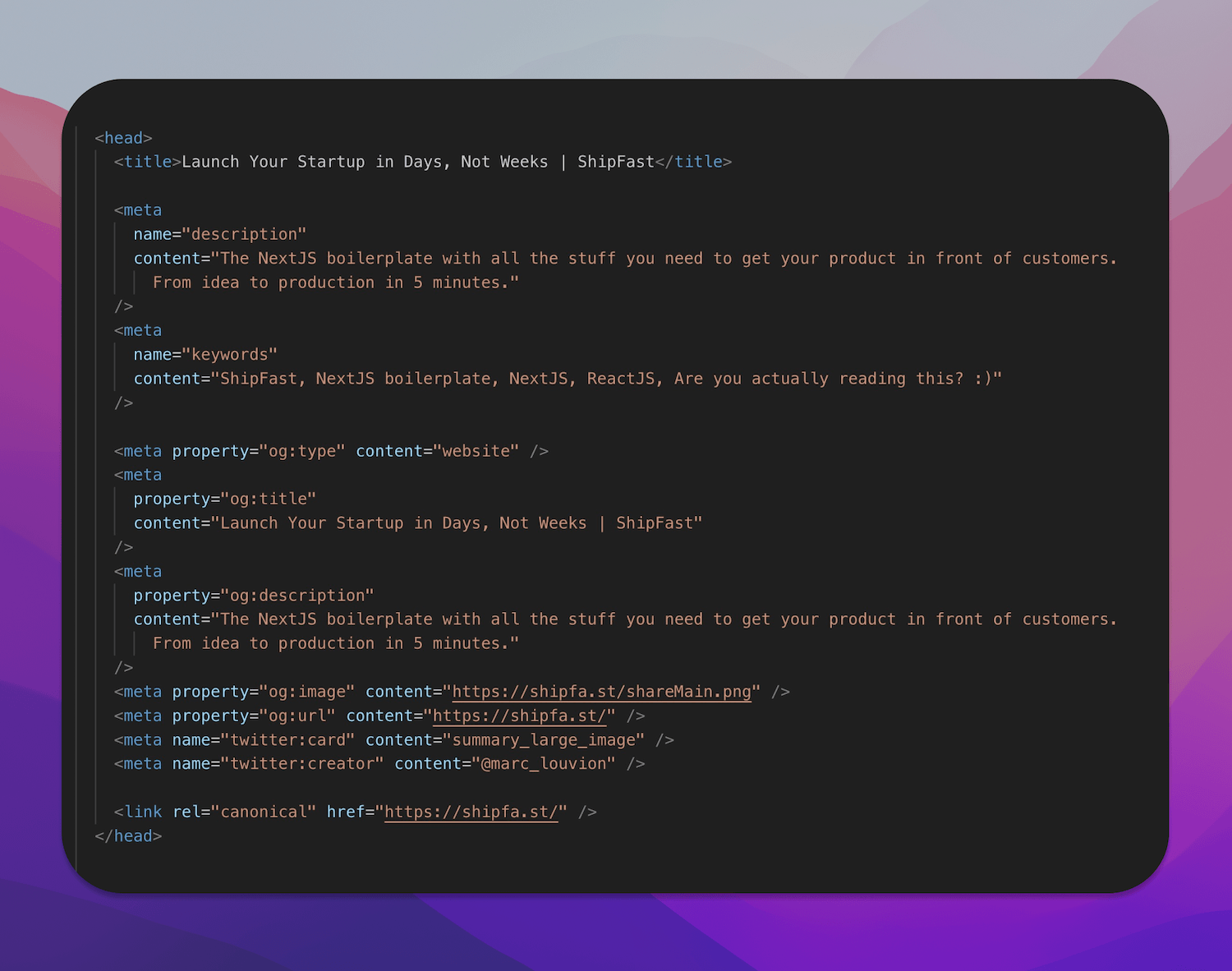
A list of important SEO tags