Features
Payments
How WeeShip handles Stripe subscription lifecycle
Setup
- Create a new account on Stripe and activate payments (boring, I know.. see you in a bit!)
- In your [Settings], [Public Details], add your website URL
- In your [Settings], [Branding], add your logo & colors
- In your [Settings], [Customer Emails], turn on emails for successful payments & refunds
- In your [Settings], [Customer Portal], activate link to customer portal (in case you need later)
- In the search box, type 'rules' and click [Fraud Prevention > Rules] , make sure the first 3DS rule is enabled. I also turn on the second one (recommended). Make sure to block payments if CVC fails (check below)
- Turn ON Test Mode
- Create a new product and copy the price ID (price_1ju5GD464564) in
config.stripe.plans[0].priceIdin theconfig.jsfile. - In your [Developers], copy your public & private keys and add them to
STRIPE_SECRET_KEY&STRIPE_PUBLIC_KEYin.env.local - To set up the webhook locally, follow the steps in [Developers], [Webhook], [Test in local environment]. After login to Stripe CLI, use this command to forward webhook events to our API:terminal
1stripe listen --forward-to localhost:3000/api/webhook/stripeCopy the signing secret and add it toSTRIPE_WEBHOOK_SECRETin.env.local
STRIPE_SECRET_KEY & STRIPE_PUBLIC_KEY in your production environment variables.In your [Developers], [Webhook], [Add Enpoint]. Set your domain + /api/webhook/stripe. Select [checkout.session.completed] event (or more if needed). Copy the signing secret and add it to STRIPE_WEBHOOK_SECRET in your production environment variables.Optional: In [Balance], [Manage Payouts], set a specific date of the month to receive your payouts (I use the 10th of each month)Optional: In [Settings], [Customers Emails], activate emails for successful payments & refundsCreate a checkout
From the front-end, use the ButtonCheckout to automatically create a checkout session (one-time payment or subscription)
Stripe webhooks & subscription handling
Our API listens to Stripe selected webhooks events & update the user accordingly. It turns boolean hasAccess (or has_access in Supabase) to true/false based on whether the user should have access to a paid resource or not.
You can add your own business logic to the /api/webhook/stripe API endpoint (add credits to a user, send email with a paid e-book etc.)
Don't get banned from Stripe before getting your first customer
Prevent disputes before they happen with ByeDispute
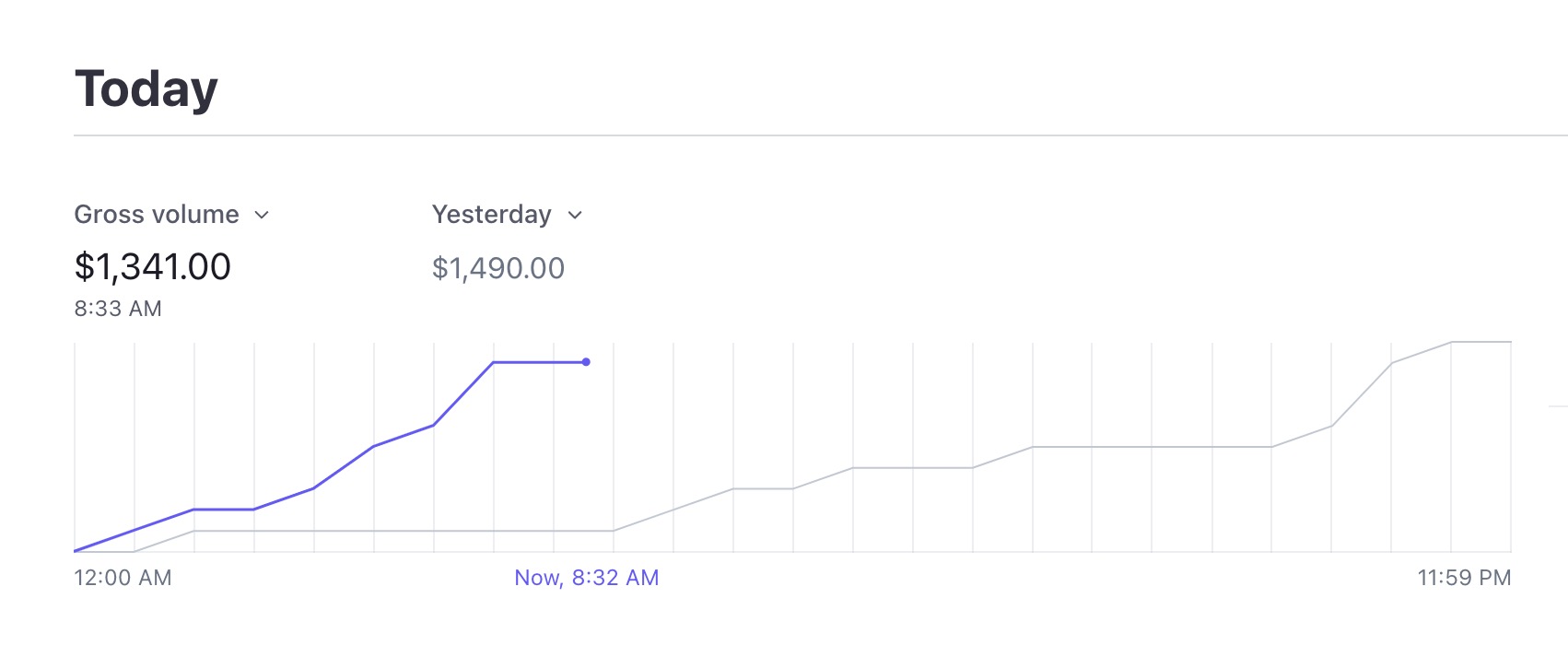
Tired of managing Stripe invoices?
Let your customers generate, edit, and download Stripe invoices, so you don’t have to.